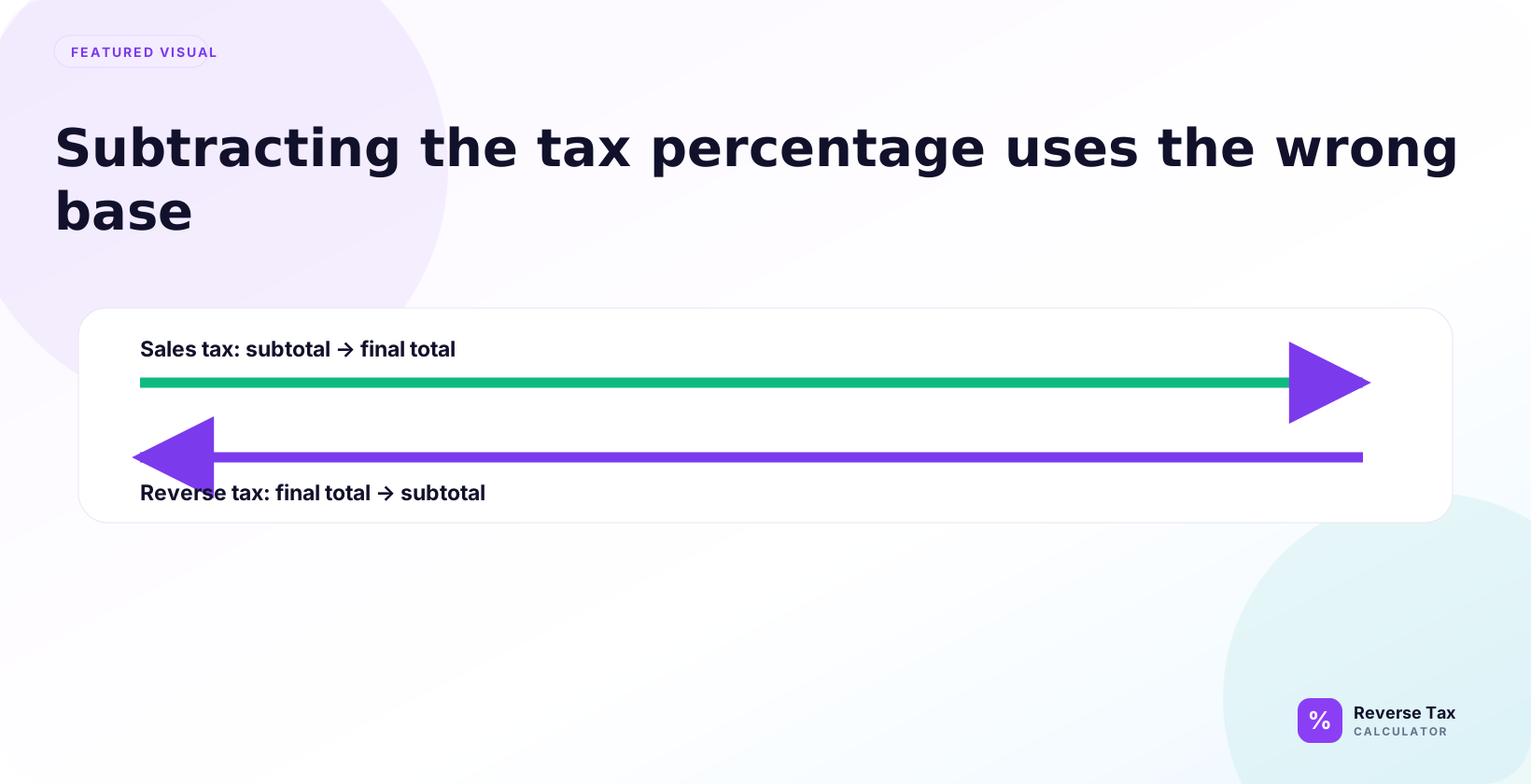
Subtracting the tax percentage from a tax-inclusive total is wrong because tax was applied to the smaller pre-tax price, not to the final gross amount. A 20 percent tax-inclusive total must be divided by 1.20, not reduced by 20 percent, because the tax portion is one-sixth of the total. The error grows with higher rates, stacked taxes, discounts, and receipts where only part of the total is taxable.
This page explains the mistake, shows the math, gives worked examples, and shows when subtraction is actually correct because the tax amount is known rather than only the tax rate.
What Is the Mistake?
The mistake is using a formula like Total * (1 - Tax rate) to find the before-tax price. That formula subtracts a percentage from the tax-inclusive total, which is the wrong base.
If the total is $108.00 and the rate is 8%, subtracting 8% gives $99.36. The correct before-tax amount is $100.00.
The mistake usually comes from thinking of tax like a discount. A discount can often be removed from a displayed price by subtracting a percentage. Tax-inclusive totals work differently because the tax was added to a smaller before-tax base.
Why Is the Total the Wrong Base?
The total is the before-tax price plus tax. It is already larger than the base that the tax rate was applied to. When you subtract a percentage from the total, you calculate a percentage of a larger number.
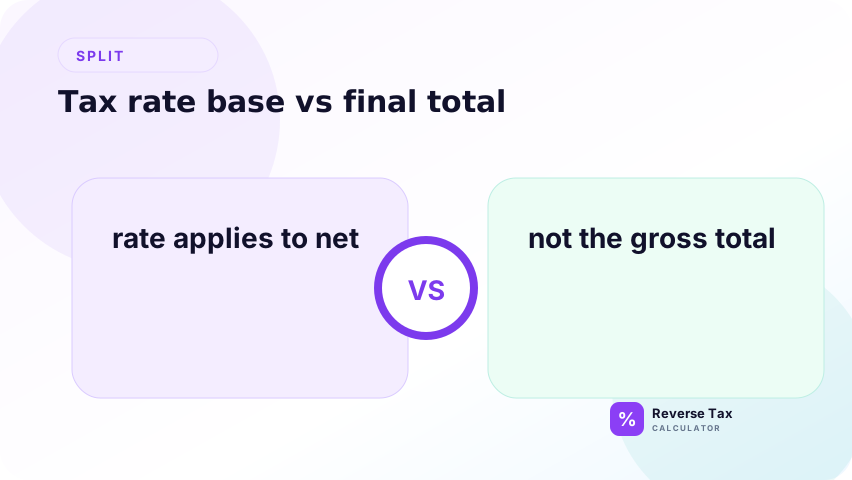
That is why the method removes too much. The included tax on $100.00 at 8% is $8.00, but 8% of $108.00 is $8.64.
What Is the Correct Formula?
Use:
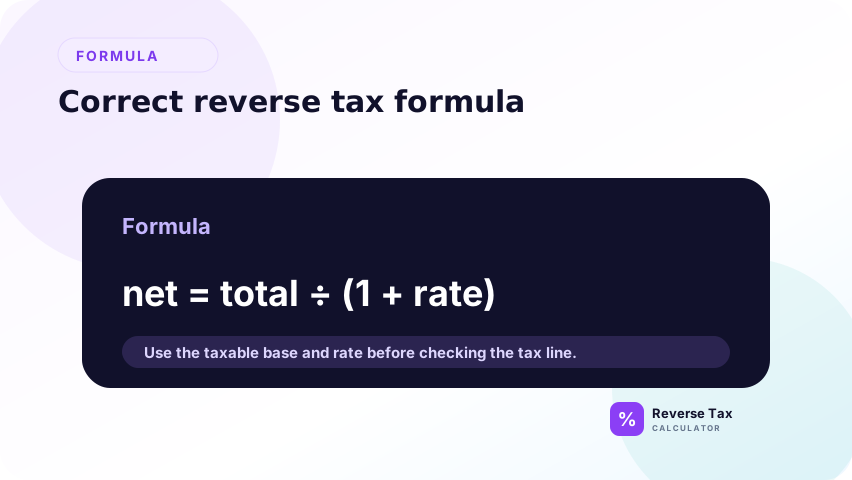
Before-tax price = Total including tax / (1 + Tax rate)
Then:
Tax amount = Total including tax - Before-tax price
At 8%, divide by 1.08. At 13%, divide by 1.13. At 20%, divide by 1.20. The divisor represents the full tax-inclusive multiplier.
This formula is the same pattern used by a reverse tax calculator. The calculator is not applying a trick. It is solving the original forward-tax equation backward, which is why the divisor must include both the base amount and the tax rate.
Example at 8% Sales Tax
At 8% sales tax, a $108.00 tax-inclusive total does not contain $8.64 tax. The tax was calculated on the original $100.00 price, so the included tax is $8.00. The correct reverse calculation is $108.00 divided by 1.08, which returns $100.00. Then $108.00 minus $100.00 equals $8.00 tax.
Total including tax: $108.00
Correct:
$108.00 / 1.08 = $100.00
Wrong:
$108.00 * 0.92 = $99.36
The wrong method removes $8.64 instead of $8.00.
The extra $0.64 is the evidence of the wrong base. The tax was $8.00 because 8% was applied to $100.00. The wrong method calculates 8% of $108.00, which includes the tax inside the base again.
Example at 20% VAT
Gross price including VAT: GBP 120.00
Correct:
GBP 120.00 / 1.20 = GBP 100.00
Wrong:
GBP 120.00 * 0.80 = GBP 96.00
The wrong method treats VAT as 20% of the gross price. VAT is 20% of the net price in this example.
This is why VAT-inclusive examples often surprise users. A 20% VAT rate does not mean that one-fifth of every VAT-inclusive price is removed by multiplying by 0.80. The correct VAT fraction inside a 20% gross price is calculated through the divisor.
Why the Wrong Method Looks Plausible
The wrong method looks plausible because it reduces the total and produces a number below the total. Many users expect “remove 8%” to mean “subtract 8%.” That intuition works for discounts, but reverse tax is not a discount calculation.
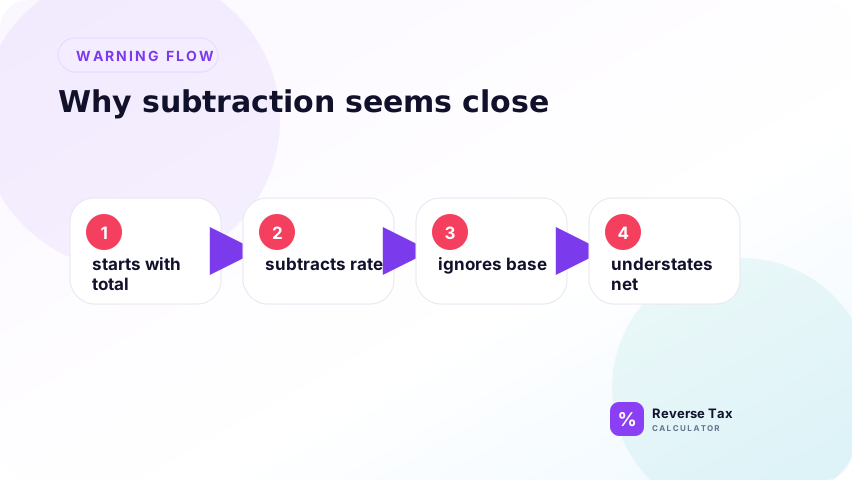
Tax is added to a base first. Reverse tax must undo the tax-inclusive multiplier, not apply a discount to the final total.
When Is Subtraction Correct?
Subtraction is correct when the actual tax amount is known. If a receipt total is $108.00 and tax shown is $8.00, subtract $8.00 to get $100.00.
Subtraction is not correct when only the tax rate is known. In that case, use division. The divide vs subtract guide gives the broader decision table.
The operational rule is simple: subtract currency amounts, divide by percentage rates. If the receipt says tax is $8.00, subtract $8.00. If the receipt says the rate is 8%, divide by 1.08 to find the base.
How the Error Affects Tax Amount
When you subtract the percentage, you understate the before-tax price and overstate the tax amount. That can affect revenue splits, refund amounts, bookkeeping entries, and invoice checks.
For one receipt, the error may be small. Across hundreds of rows, the error becomes systematic because every row uses the wrong base.
The error can also hide inside reports because totals still appear internally consistent. A spreadsheet can show a before-tax amount and a tax amount that add back to the original total, even though the split between them is wrong.
How to Find This Error in Spreadsheets
Look for formulas like:
=Total*(1-Rate)
or:
=Total-Total*Rate
Those formulas are discount-style formulas. For reverse tax, replace them with:
=Total/(1+Rate)
Then add a rebuilt-total check.
Also inspect named formulas and copied columns. If a sheet uses a formula that looks like a discount formula, it should be reviewed manually. The correct reverse formula should include division by 1+rate, not multiplication by 1-rate.
What About Discounts?
Discounts and reverse tax are different operations. A 20% discount really does reduce a price by 20% of the displayed price. A 20% VAT-inclusive price does not contain VAT equal to 20% of the displayed price.
If a receipt contains discounts, identify whether the discount was applied before tax or after tax before reversing the total. The discount workflow belongs on the discounts and coupons reverse tax page.
What About Mixed Tax Rates?
Mixed tax rates require splitting the receipt before calculating. The divide formula is still correct for each clean tax group, but one divisor may not work for the entire receipt.
If one item is exempt and another is taxed, the grand total does not have one simple tax-inclusive base. Split the items before reversing.
This point matters because users sometimes blame the divide formula when the real issue is a mixed receipt. Division is correct for each clean tax group. It is not a substitute for separating items that do not share one rate or one taxable base.
How to Explain This to Users
The simplest explanation is: tax was added to the before-tax price, so you must divide the total by the same multiplier that created it. You do not remove a percentage from the final total.
Use a small example like $100.00 plus 8% equals $108.00. Reversing $108.00 must return $100.00.
The best explanation is to walk forward first, then reverse. Once users see that $100.00 multiplied by 1.08 creates $108.00, it becomes clear that $108.00 must be divided by 1.08 to get back to $100.00.
Trust Boundary
This page explains a mathematical error. It does not determine which rate applies, whether an item is taxable, or whether a receipt is legally correct.
Use official rate sources and the original receipt or invoice for compliance-sensitive calculations.
A correct formula can still produce a wrong result if the input rate or source total is wrong. Always verify the receipt, invoice, rate, and taxable base before treating the calculation as final.
Frequently Asked Questions
Why can I not subtract 8% from a total?
Because the 8% tax was calculated from the before-tax price, not from the total. Subtracting 8% from the total removes too much.
What should I do instead?
Divide the tax-inclusive total by 1 plus the tax rate. At 8%, divide by 1.08. At 20%, divide by 1.20.
Is subtracting ever allowed?
Yes. Subtract the tax amount when the receipt shows the tax amount as a currency value. Do not subtract the tax percentage when only the rate is known.
Sources and Notes
- Formula source: algebraic relationship between before-tax price, tax rate, and tax-inclusive total.