Why Tax Calculation Order Matters happens when the total, rate, tax base, rounding method, or item grouping used in the calculator does not match the receipt calculation. Calculation error diagnosis depends on wrong rate, outdated rate, one-cent rounding, exempt lines, discounts, shipping, tips, local taxes, and tax calculation order. Reverse tax is mathematically stable, but the output changes when the input amount or tax treatment does not match the receipt.
This page explains the correct order for reverse tax calculations, why order matters on receipts and invoices, how additive and stacked taxes differ, and how to design spreadsheet checks that catch order errors.
What Does Tax Calculation Order Mean?
Tax calculation order means the sequence used to move from item price to final total. The order may include discounts, taxable base selection, tax rate application, shipping, fees, tips, and rounding.
Reverse tax works backward from a total, but it still depends on the original forward order. If the total was built in several steps, reversing it with one simple formula may not recover the true base.
Why Does Order Matter in Reverse Tax?
Order matters because tax applies to a base. If the base changes before tax is calculated, the tax amount changes too. A discount before tax produces a different result than a credit after tax.
Reverse tax assumes the total equals a clean taxable base multiplied by 1 plus the rate. When the original order includes other steps, the total must be cleaned or split before the formula is used.
What Is the Basic Forward Order?
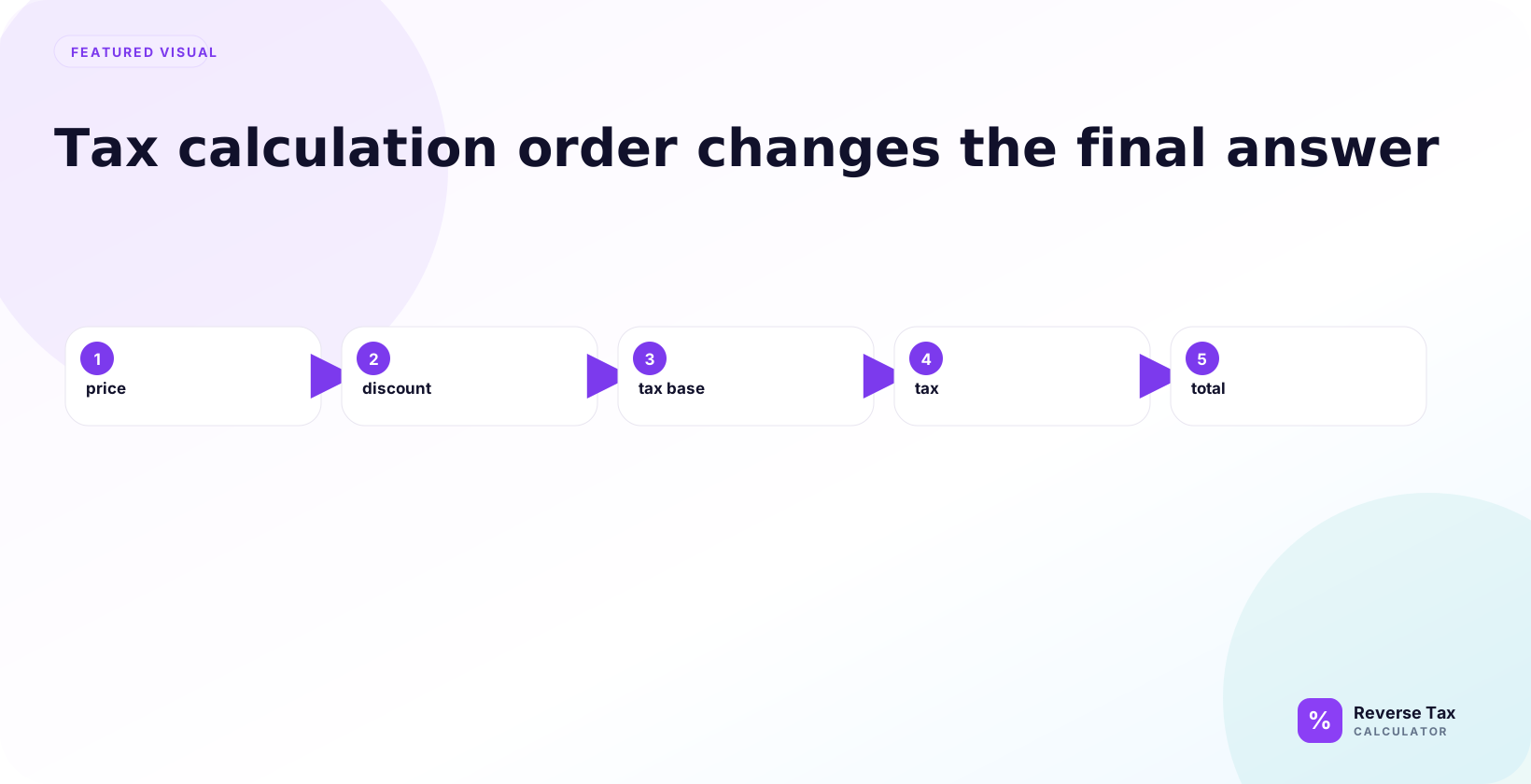
A simple forward sales tax order looks like this:
- Start with item price.
- Apply taxable discounts.
- Identify taxable base.
- Apply tax rate.
- Add tax to the base.
- Round the result.
Reverse tax works best when the amount you enter represents step five: the taxable base plus tax, with no unrelated payment items included.
This forward order is the reference point for every reverse calculation. If the receipt's forward order included discounts, tax groups, shipping, or rounding before the final total, the reverse workflow has to respect those same steps instead of assuming the total is a simple one-rate amount.
What Is the Basic Reverse Order?
A safe reverse order starts by identifying the source total. Then remove non-tax payment items, split mixed taxable groups, verify the rate, divide each clean tax-inclusive group by 1 plus its rate, calculate tax, and rebuild the total.

This order prevents a common mistake: applying the formula first and trying to explain mismatches later. Cleanup belongs before calculation, not after.
How Discounts Change the Order
Discounts can apply before tax or after tax. If the discount reduces the taxable base before tax, reverse the discounted tax-inclusive amount. If the discount is a post-tax credit, it should not be treated as a reduction to the taxable base.
This is why coupon and discount receipts need careful reading. The discounts and coupons reverse tax guide explains how those order differences affect the calculation.
How Shipping Changes the Order
Shipping can be taxable, exempt, partly taxable, or handled differently by jurisdiction and product type. If shipping is taxable and included in the taxable base, it may need to stay inside the reverse calculation. If it is not taxable, it should be separated first.
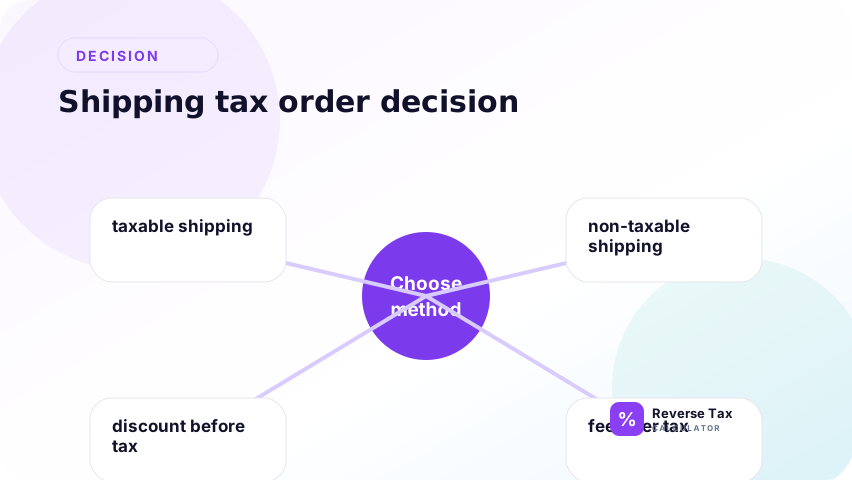
The order question is: was shipping part of the taxable base before tax was calculated? If yes, it affects the tax. If no, it should not be reversed with the item total.
How Tips Change the Order
Optional tips are often added after tax and should not be reversed as part of the taxable price. Mandatory service charges may be treated differently depending on the jurisdiction and receipt structure.
For reverse tax, identify whether the tip or service charge was part of the taxable base. The page on tips before or after tax is the better next step for restaurant receipts.
How Exempt Items Change the Order
Exempt items should not be included in a taxed base. If a receipt contains taxable and exempt items, one reverse formula for the grand total can distort both the before-tax amount and tax amount.
The correct order is to separate taxable items from exempt items first, then reverse only the taxable tax-inclusive amount. Mixed receipts need group-level calculations.
This is a base-definition problem. The exempt item may still be part of what the customer paid, but it was not part of the taxable base. Reverse tax should follow the taxable base, not blindly follow the payment total.
How Multiple Taxes Change the Order
Multiple taxes can be additive or stacked. Additive taxes apply to the same base. Stacked taxes may apply sequentially, where one tax changes the base for another tax.
The order changes the divisor. The additive vs stacked taxes page explains why adding rates together is not always safe.
If taxes are additive, a combined rate may be appropriate. If taxes are stacked, the calculation may need a sequential multiplier. The receipt structure, tax label, and jurisdiction rules decide which model applies. Do not choose the model only because it is easier in a spreadsheet.
How Rounding Changes the Order
Rounding can happen by item, by tax group, by invoice, or by final total. A reverse calculation that rounds at the end may not match a receipt that rounded each item line.
This is why a one-cent difference does not always mean the rate is wrong. The order of rounding can create small differences even when the formula and rate are correct.
Tax Calculation Order Example
Assume an item is $100.00, a discount of $10.00 applies before tax, and the tax rate is 8%.
Taxable base: $90.00
Tax: $7.20
Total: $97.20
If someone reverses $107.20 or ignores the discount order, the before-tax result will not match the real taxable base.
This example shows why the starting total must be selected carefully. The reverse formula is valid for the $97.20 tax-inclusive discounted amount, not for an imagined amount before the discount. The formula cannot correct a starting value that represents the wrong step in the receipt sequence.
Order Error Decision Table
| Symptom | Possible order issue | Fix |
|---|---|---|
| Tax seems too high | Discount applied after tax in calculation | Check discount timing |
| Total does not rebuild | Shipping or tip included wrongly | Separate non-tax items |
| One-cent mismatch | Rounding order differs | Match receipt rounding level |
| Multiple taxes mismatch | Additive vs stacked confusion | Identify tax sequence |
| Grand total fails | Mixed exempt items | Split taxable groups |
This table helps diagnose process errors before changing the tax rate.
How to Model Order in Spreadsheets
Use separate columns for original item amount, discount, taxable base, tax rate, tax amount, shipping, tip, final total, and rebuilt total. Avoid one column called amount because it hides the calculation order.
For batch work, add a calculation_order_note column. A short note such as “discount before tax” or “tip after tax” makes the spreadsheet easier to audit.
This structure also helps prevent copied-formula errors. If the taxable base is explicit, the formula can reference that column directly. If the base is hidden inside a total, users may accidentally reverse tips, shipping, deposits, or exempt items as if they were taxable.
How to Check Whether Order Is Correct
Rebuild the receipt using the same order shown on the source document. If the rebuilt total matches, the order and inputs are likely consistent. If the rebuilt total fails, change the order assumptions before changing the rate.
This check is especially useful when a calculator result differs from a receipt but the tax rate appears correct.
The order check should happen before rate guessing. Many users change the rate repeatedly when the real issue is that a discount, shipping line, or exempt item was handled in the wrong sequence. Rebuilding the receipt exposes that kind of structural mismatch.
What This Page Does Not Decide
This page explains how order affects reverse tax arithmetic. It does not decide whether shipping is taxable, whether a service charge is taxable, whether an item is exempt, or how a jurisdiction treats discounts.
Those decisions require official tax authority guidance and source document review.
The article's job is to show why order matters after those rules are known. It can explain where to place shipping, discounts, and tax in a calculation, but it cannot decide the legal treatment of those components for every jurisdiction.
Trust Boundary
Calculation order is a math and workflow issue. A correct order can still use the wrong rate or wrong taxability assumption. A correct rate can still produce a wrong result if the order is wrong.
Use original receipts, invoices, official sources, and accounting records for compliance-sensitive decisions.
For tax-sensitive use, preserve the source document and the order assumption together. A spreadsheet row should show not only the rate and total, but also why the selected amount was considered the taxable base.
Frequently Asked Questions
Why does tax calculation order matter?
It matters because tax applies to a taxable base. Discounts, shipping, exemptions, tips, and multiple taxes can change that base before or after tax is calculated.
Should discounts be reversed before tax?
It depends on whether the discount reduced the taxable base before tax. If it did, reverse the discounted tax-inclusive amount. If it was a post-tax credit, handle it separately.
Can rounding order cause a mismatch?
Yes. A receipt may round by line item while a spreadsheet rounds only at the total. That can create a one-cent difference even when the formula is correct.
Sources and Notes
- IRS Publication 583 recordkeeping guidance
- Formula source: arithmetic relationship between taxable base, calculation order, tax rate, and tax-inclusive total.