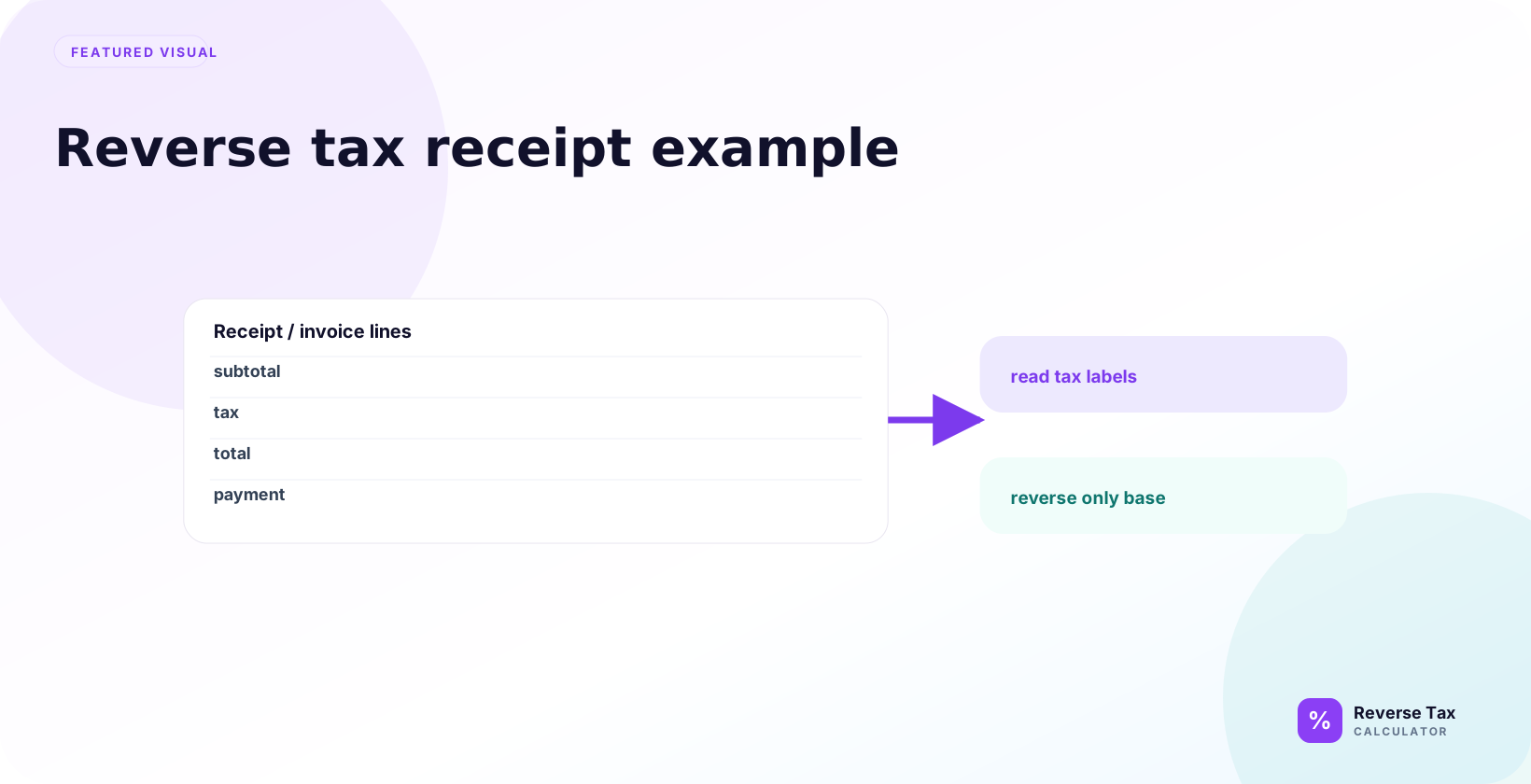
A receipt can be reversed by starting with the printed tax-inclusive total, identifying the taxable amount, and dividing that amount by the correct tax multiplier. The output should match the receipt’s pre-tax subtotal and included tax when the same rate, rounding method, and taxable base are used. Receipt checks become unreliable when exempt items, multiple rates, discounts, tips, shipping, or merchant rounding are included without separating them first.
Use the receipt total only if it includes tax. Do not use a subtotal that is already before tax.
What Is a Reverse Tax Receipt Example?
A reverse tax receipt example is a worked calculation that reconstructs the before-tax amount from a receipt total. It is useful when the receipt is hard to read, the tax line is missing, or you want to check whether a calculator result matches the receipt.
The receipt total must be tax-inclusive. If the receipt already shows a subtotal before tax, you do not need to reverse tax from that subtotal.
What Receipt Number Should You Use?
Use the final tax-inclusive total.
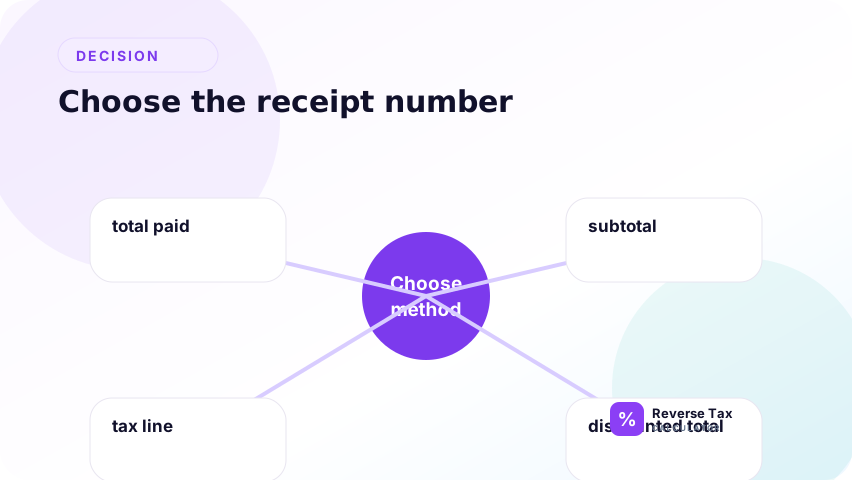
A receipt may show subtotal, tax, discounts, tips, shipping, and total. The total is usually the number to reverse if it includes tax.
| Receipt label | Use for reverse tax? | Reason |
|---|---|---|
| Subtotal | Usually no | Often before tax |
| Tax | No | This is the tax amount |
| Total | Usually yes | Often includes tax |
| Amount due | Maybe | May include payments or credits |
| Grand total | Usually yes | Often final amount |
How to Read a Receipt Before Reversing Tax
Read the receipt from bottom to top:
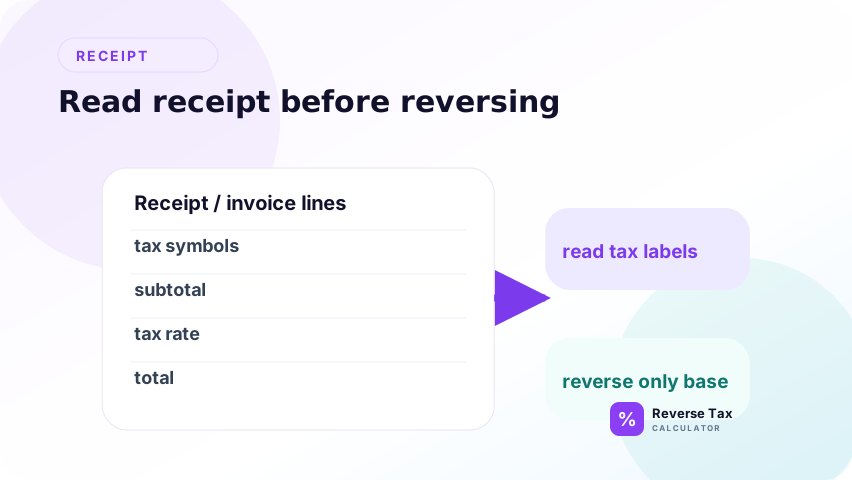
- Find the final amount paid or total.
- Check whether the total includes sales tax, VAT, GST, or another consumption tax.
- Identify the rate applied to the taxable items.
- Look for discounts, tips, shipping, fees, or exempt items.
- Use reverse tax only on the amount that actually includes the tax you want to remove.
This order prevents the most common mistake: reversing the wrong receipt number.
Example Receipt
Suppose a receipt shows:
| Line | Amount |
|---|---|
| Items subtotal | 200.00 |
| Sales tax at 8 percent | 16.00 |
| Total | 216.00 |
If only the total and rate are known, reverse tax can recover the subtotal and tax.
Receipt Example Inputs
| Input | Value | Why it matters |
|---|---|---|
| Receipt total | 216.00 | This is the tax-inclusive amount |
| Tax rate | 8 percent | This creates the multiplier |
| Tax multiplier | 1.08 | This removes the included tax |
| Calculation level | Total-level | The example uses one total and one rate |
Step-by-Step Reverse Tax Calculation
The step-by-step receipt calculation starts by identifying the receipt total, confirming the total includes tax, choosing the correct rate, dividing by 1 plus the rate, and subtracting to find tax. If the receipt has discounts, tips, exempt items, shipping, or multiple rates, those lines must be separated before applying one formula to the total.
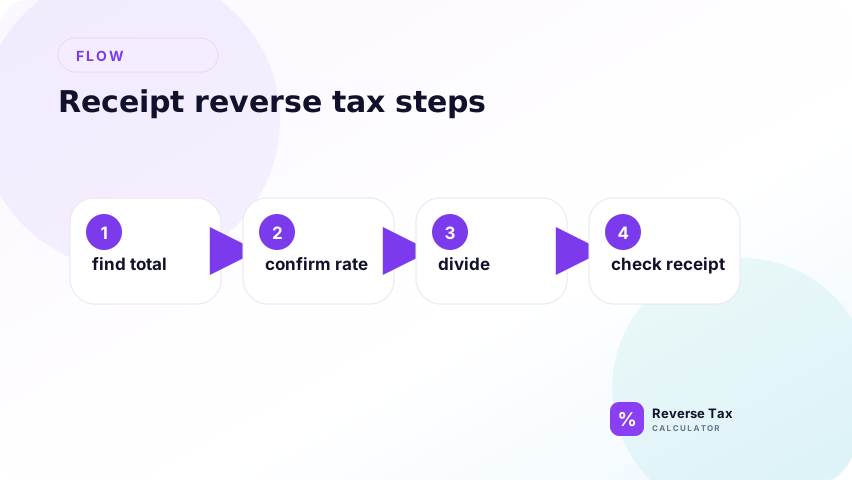
Use the steps as a receipt interpretation workflow. First prove that the 216.00 total is the taxable tax-inclusive amount, not a payment total that includes tips or gift cards. Then use the rate to build the multiplier, divide to recover the pre-tax base, and subtract to identify included tax. The final result should reconcile back to the receipt total.
Use the total of 216.00 and rate of 8 percent.
Step 1: Convert the Rate
Convert the rate into a multiplier because the receipt total contains both the original price and the tax. An 8 percent rate means the tax-inclusive total is 108 percent of the pre-tax price. Written as a multiplier, that is 1.08. This step prevents the common mistake of subtracting 8 percent from the final total.
8 percent becomes 1.08 as a tax multiplier.
Step 2: Divide the Total
Divide the receipt total by the multiplier to find the pre-tax receipt amount. This is the backward step that reverses the original tax calculation. The result should be checked against any visible subtotal or item lines before being used for bookkeeping.
Divide the receipt total by the multiplier to find the pre-tax receipt amount. This is the backward step that reverses the original tax calculation. If the receipt has mixed rates or exempt items, this division should be done by item group instead of on the full total.
216 / 1.08 = 200
The pre-tax receipt amount is 200.00.
Step 3: Find the Included Tax
Find included tax by subtracting the pre-tax amount from the receipt total. Then add the pre-tax amount and tax back together to confirm they reconcile to the original receipt total after rounding. If they do not, review tips, exempt lines, multiple rates, or line-level rounding.
Find included tax by subtracting the pre-tax amount from the receipt total. This keeps the answer tied to the visible receipt total and makes the calculation easy to verify.
216 - 200 = 16
The included tax is 16.00.
What Does This Receipt Example Prove?
This receipt example proves the arithmetic relationship between a tax-inclusive total, tax rate, pre-tax amount, and included tax. It does not prove that the seller used the legally correct rate or taxability rule. The example is useful because it shows how to reconstruct a missing subtotal when the receipt total and rate are known.
The example proves that the original taxable amount was 200.00 if the whole receipt was taxed at 8 percent. It also proves that 16.00 of the 216.00 total was tax.
It does not prove that the merchant used the legally correct tax rate. It only checks whether the arithmetic is consistent with the rate entered.
How to Check the Receipt
Check the result by calculating forward.
| Check | Amount |
|---|---|
| Pre-tax amount | 200.00 |
| Add 8 percent tax | 16.00 |
| Total | 216.00 |
The check matches the receipt total.
What If the Receipt Shows Only Total and Tax?
If a receipt shows the total and tax, the before-tax amount can be found by subtraction:
Pre-tax amount = Total - tax
Example:
216.00 - 16.00 = 200.00
You can then verify the rate:
16.00 / 200.00 = 0.08
0.08 x 100 = 8 percent
This is not reverse tax from total and rate. It is a receipt verification workflow.
What If the Receipt Shows Subtotal and Total?
If the receipt shows subtotal and total, subtract subtotal from total to find the tax amount. Then divide tax by subtotal to find the implied rate if needed. A reverse formula may not be necessary because the receipt already provides the pre-tax amount. Use reverse tax mainly to verify whether subtotal, tax, and total reconcile.
If a receipt shows subtotal and total, the tax is:
Tax = Total - subtotal
Example:
216.00 - 200.00 = 16.00
The rate is:
16.00 / 200.00 = 8 percent
This helps when you want to check whether the receipt rate agrees with the posted rate.
What Can Make Receipt Results Differ?
Receipt results can differ because of line-level rounding, discounts, exempt items, multiple tax rates, taxable shipping, tips, coupons, or fees. A calculator may reverse the whole total, while the receipt system calculated tax by line. When the difference is small, inspect rounding first. When the difference is large, inspect the taxable base and rate.
Receipts are not always simple one-rate calculations.
Discounts
Discounts may reduce the taxable base before tax is calculated.
Multiple Items
Different items may have different tax treatment.
Exempt Items
Some items may be exempt or zero-rated.
Tips and Service Charges
Tips and service charges may appear before or after tax depending on the receipt.
Rounding
The receipt may round line-level tax instead of total-level tax.
Receipt Fields That Change the Calculation
| Receipt field | Effect on reverse tax | Example problem |
|---|---|---|
| Item subtotal | Usually before tax | Do not reverse this if it already excludes tax |
| Discount | May reduce taxable base | Tax may apply after discount |
| Coupon | May be treated differently by rule | Store coupon and manufacturer coupon can differ |
| Tip | May be taxed or not taxed | Restaurant receipts vary by jurisdiction and charge type |
| Delivery fee | May be taxable or not taxable | Depends on local rule and transaction type |
| Bottle deposit | May sit outside taxable base | Do not assume it is taxable |
| Store credit | May reduce amount due after tax | Do not reverse only the balance due |
Receipt Reverse Tax Decision Matrix
| Receipt situation | Best action |
|---|---|
| One total and one rate | Use simple reverse tax |
| Multiple tax lines | Separate each tax |
| Mixed taxable and exempt items | Separate item types |
| Receipt differs by one cent | Check rounding |
| Tip included | Check whether tip was taxed |
| Discount shown | Check taxable base after discount |
When Should You Reverse by Line Instead of Total?
Reverse by line when the receipt includes more than one tax treatment. A grocery receipt may include taxable household goods, zero-rated food, bottle deposits, and discounts. A restaurant receipt may include food, alcohol, tips, service charges, and local taxes.
Use total-level reverse tax only when the whole amount uses one rate.
| Receipt pattern | Total-level reverse tax | Line-level reverse tax |
|---|---|---|
| One taxable item group | Best fit | Optional |
| Taxable and exempt items | Weak fit | Best fit |
| Multiple rates | Weak fit | Best fit |
| Tip or service charge | Depends | Often safer |
| One-cent mismatch | Check rounding | Check line rounding |
How to Handle a One-Cent Receipt Difference
A one-cent difference usually comes from rounding. The receipt system may calculate tax for each line, round each line, then add the rounded lines together. A reverse calculator may divide the final total once and round once.
If the result differs by one cent:
- Recalculate using the exact rate.
- Check whether tax was rounded per line.
- Check whether discounts were applied before tax.
- Check whether exempt items were included in the total.
Do not change the rate just to force a match unless the rate on the receipt is actually different.
Receipt Example with a Discount
Suppose a receipt shows:
| Line | Amount |
|---|---|
| Items before discount | 220.00 |
| Discount | 20.00 |
| Taxable amount | 200.00 |
| Tax at 8 percent | 16.00 |
| Total | 216.00 |
Reverse tax from 216.00 at 8 percent still returns 200.00 because the discount was applied before tax. If you reversed the 220.00 item amount, you would be using the wrong base.
Receipt Example with Taxable and Exempt Items
Suppose a receipt total is 216.00, but 50.00 of the purchase was exempt. If you reverse the full 216.00 at 8 percent, the result will be wrong because the exempt portion did not carry tax.
The correct approach is:
- Separate the exempt amount.
- Reverse only the tax-inclusive taxable amount.
- Add the exempt amount back only after finding the taxable base.
This is why receipt examples are more operational than pure formula examples.
What This Page Does Not Cover
| Topic | Better page |
|---|---|
| Full receipt workflow | How to Remove Tax from a Receipt |
| Itemized receipt | How to Reverse Tax on an Itemized Receipt |
| Rounding differences | Why Reverse Tax Results Differ by One Cent |
| Tips | Should Tips Be Calculated Before or After Tax? |
Frequently Asked Questions
Do I use subtotal or total for a receipt?
Use the total if it includes tax. Do not reverse a subtotal that is already before tax.
Why does my receipt not match the calculator?
Rounding, exempt items, discounts, tips, and multiple rates can cause differences.
Can I reverse tax if the receipt does not show the rate?
Not reliably with the basic method. You need the rate or another known value.
Can I use this for VAT or GST receipts?
Yes, if the receipt total includes VAT or GST and the correct rate is known.
Can I remove sales tax from a receipt total?
Yes, if the receipt total includes sales tax and one rate applies to the whole taxable amount. Divide the total by the multiplier, then subtract the result from the total.
What if the receipt has no tax line?
You can reverse tax if you know the tax-inclusive total and the correct rate. If the rate is unknown, the calculation is not reliable.
Is the receipt total always after tax?
Usually, but not always. Some receipts show balances, deposits, credits, or payment adjustments. Confirm the label before calculating.
Sources and Verification Notes
These notes support calculation verification, not legal compliance. The formula can show whether receipt arithmetic is internally consistent, but it cannot prove product taxability, exemption status, place of supply, or rate selection. Use the receipt, official rate sources, and tax authority guidance for compliance-sensitive decisions.
- Formula source: arithmetic relationship between pre-tax price, tax rate, and tax-inclusive total.
- Rate note: verify the applicable tax rate with the official tax authority for the transaction location and date.