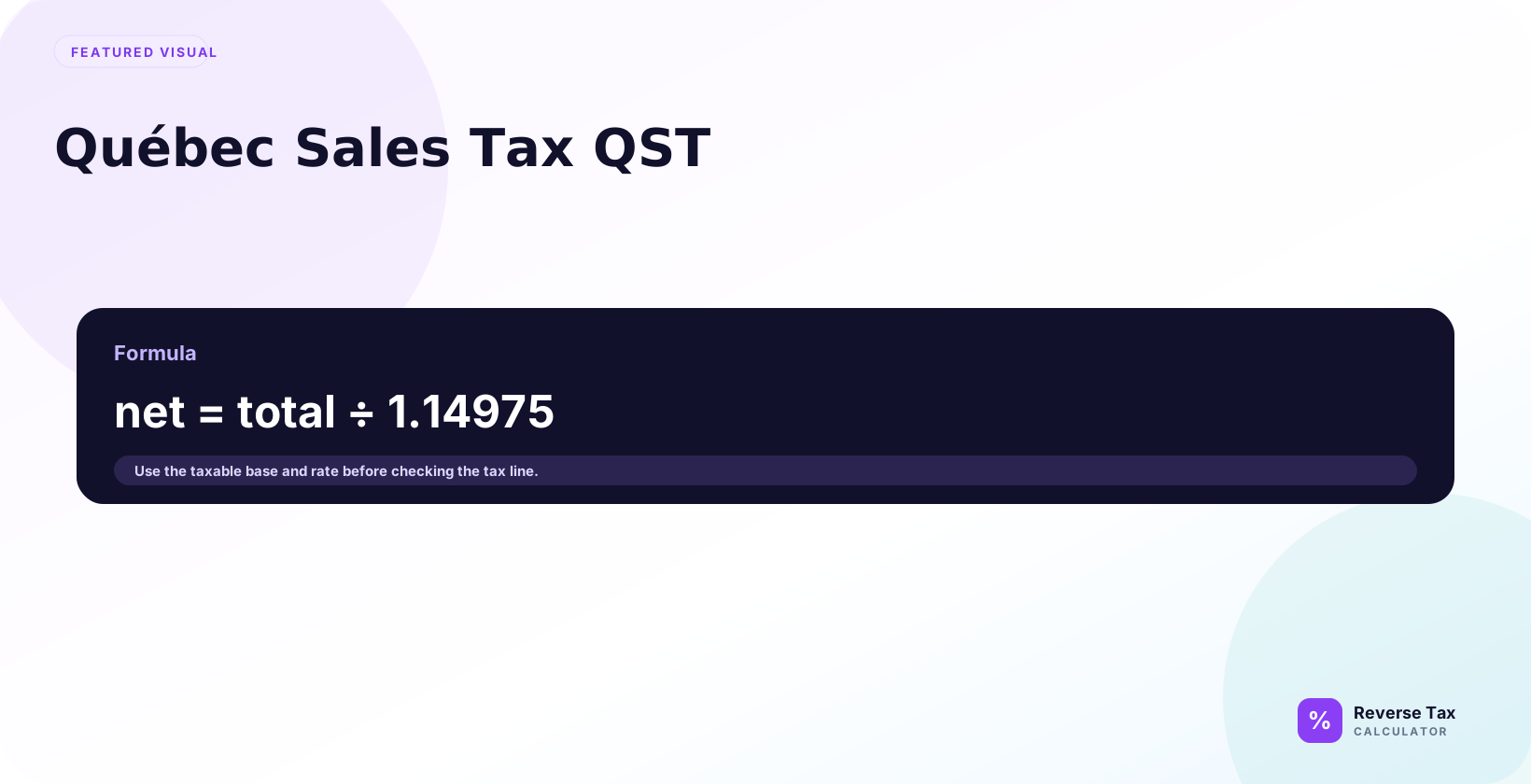
Québec Sales Tax is a provincial consumption tax, and reverse QST removes the QST portion from a QST-inclusive total. The calculation divides the gross amount by 1 plus the QST rate as a decimal, then subtracts the net price to find included QST. Québec receipts often also include GST, so GST and QST lines require separate or combined treatment based on the printed invoice structure.
This page explains QST as a calculation entity, how to reverse GST and QST, how QST differs from HST and PST, and why Revenu Quebec guidance is required for compliance-sensitive decisions.
What Is QST?
QST means Quebec Sales Tax. It is Quebec's provincial sales tax and commonly appears alongside GST on Quebec receipts and invoices.
For reverse tax, QST is usually handled with GST when both apply to the same selling price. The common working rates are GST at 5% and QST at 9.975%, creating a combined divisor of 1.14975.
The calculation is different from a generic PST example because the QST rate has three decimal places and the Quebec method is its own entity. If you need a fuller worked example, the guide to reverse GST and QST in Quebec should own that deeper procedural query.
How Do You Reverse QST with GST?
When GST and QST both apply to the same selling price, use:
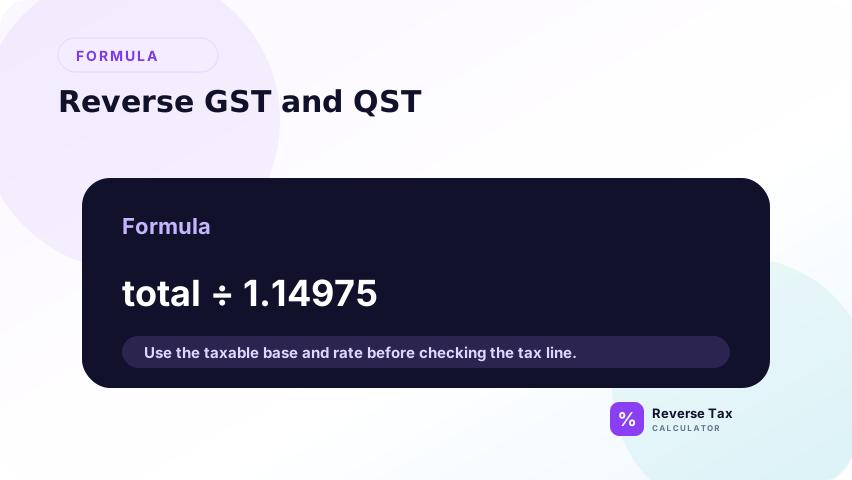
Before-tax price = GST-and-QST-inclusive total / 1.14975
Example: $114.98 including GST and QST is approximately $100.00 before tax, allowing for cent rounding. GST is $5.00 and QST rounds to about $9.98.
If the receipt shows GST and QST amounts separately, subtract the shown amounts from the total instead of reconstructing them from rates.
Why QST Uses 14.975% in Common Reverse Calculations
Revenu Quebec explains that GST is calculated at 5% on the selling price and QST is calculated at 9.975% on the selling price excluding GST. For everyday reverse calculations where both apply to the same selling price, the working combined rate is 14.975%.
This means the common divisor is 1.14975. Using 1.15 is close, but it can create repeatable errors across many spreadsheet rows.
QST vs GST
GST is the federal goods and services tax. QST is Quebec's sales tax. They often appear together, but they should remain separate in records when the receipt or invoice shows them separately.
For reverse calculation, they may share one combined divisor when both apply to the same selling price. For reporting and audit notes, the GST amount and QST amount may still need to be shown separately.
QST vs HST
HST is a harmonized tax used in participating provinces. Quebec uses GST plus QST rather than HST. A Quebec receipt showing GST and QST should not be reversed with an HST method.
This distinction matters because the entity labels tell the calculator which rate structure to use. HST is one harmonized line. GST and QST are separate tax entities.
A practical rule is to follow the receipt labels. If the receipt says HST, use the HST method. If it says GST and QST, use the Quebec method. Do not switch methods just because the combined percentage looks similar.
QST vs PST
PST is a general label for provincial sales tax systems in some provinces. QST is Quebec's specific sales tax. The terms should not be used interchangeably in content or spreadsheets.
For reverse tax, QST has a distinctive 9.975% rate and common combined GST plus QST divisor. Generic GST plus PST examples may not preserve that precision.
This is also an entity-resolution issue. A spreadsheet column named pst_rate can hide the fact that a Quebec transaction needs QST handling. Use qst_rate for Quebec rows so the rate, source, and calculation method stay aligned.
QST Entity Map
| Entity | Attribute | Reverse tax role |
|---|---|---|
| QST | Tax type | Quebec sales tax |
| GST | Related tax | Federal tax shown with QST |
| QST rate | Common rate | 9.975% |
| GST rate | Common rate | 5% |
| Combined divisor | Calculation value | 1.14975 |
The divisor is included because many QST errors come from rounding the combined rate too aggressively.
How QST Rounding Works
QST calculations often create cent-level differences because the rate has three decimal places. A before-tax price of $100.00 produces $9.975 of QST before currency rounding, which typically displays as $9.98.
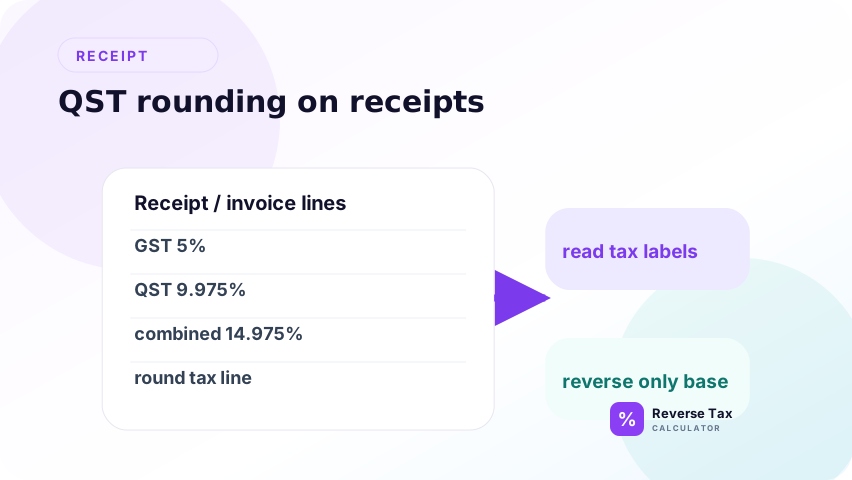
For spreadsheets, keep full precision in the formula and round only the displayed currency amount. Rounding the rate or divisor early can create errors across many rows.
This is why a QST page should mention precision explicitly. A one-cent difference on one receipt may be harmless, but the same rounding method across hundreds of rows can create reconciliation noise. Keep the formula precise, then let the final currency display round to cents.
How to Use QST in Spreadsheets
Use separate columns for gst_rate, qst_rate, combined_rate, before_tax_price, gst_amount, qst_amount, and rebuilt_total.
Reverse formula:
=Total/(1+GST_Rate+QST_Rate)
With common GST and QST rates:
=Total/1.14975
The rebuilt-total column should add before-tax price, GST, and QST back together to check the source total.
Use separate output columns for GST and QST amounts even when the combined divisor is used. That gives the reviewer the same structure a receipt often shows and makes it easier to compare calculated values against shown tax lines.
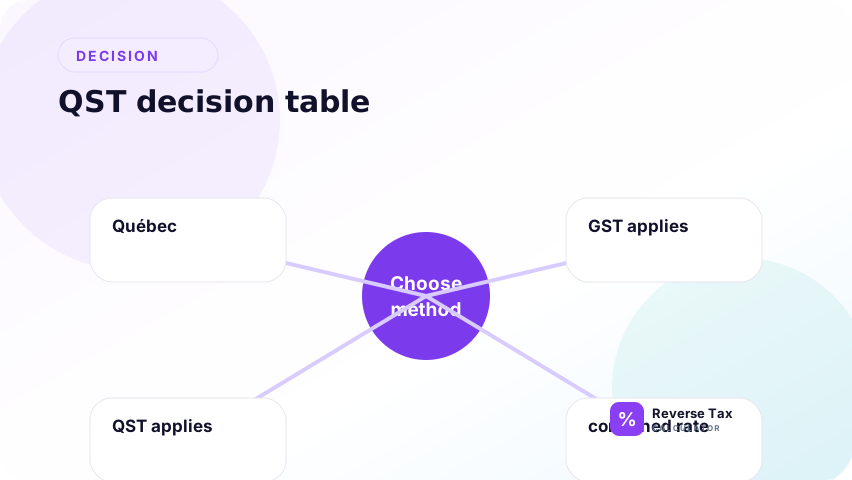
QST Decision Table
| Receipt shows | Best action |
|---|---|
| GST and QST amounts | Subtract shown amounts |
| GST and QST rates | Use 1.14975 if both apply to same base |
| QST only | Reverse using QST rate |
| HST | Do not use QST method |
| Mixed taxable items | Split item groups |
| Rounding mismatch | Keep precision, then round displayed values |
This table supports calculation decisions and does not replace official rules.
What Mistakes Happen with QST?
The most common mistakes are using 15% instead of 14.975%, treating Quebec as an HST province, rounding too early, and applying one combined rate to mixed taxable and exempt items.
Another mistake is using a shown total without checking whether it includes tips, deposits, delivery fees, or non-tax payment adjustments. The formula works only on the taxable tax-inclusive base.
A final mistake is treating Québec QST as ordinary GST or HST without checking the receipt’s separate QST line. The page title can use Quebec for URL consistency, while the calculation still needs the correct QST rate, GST line, taxable base, and rounding shown on the receipt.
Trust Boundary
QST reverse calculation is arithmetic. It does not determine taxability, zero-rating, exemption status, registration, input tax refunds, filing treatment, or whether QST should have been charged.
Use Revenu Quebec guidance and the original receipt or invoice for compliance-sensitive decisions.
This limitation matters because QST depends on product type, supply rules, registration status, and transaction facts that are not visible in a formula. The calculation can separate a known GST-and-QST-inclusive amount, but it cannot prove that the tax treatment was correct.
Frequently Asked Questions
What does QST mean?
QST means Quebec Sales Tax. It is Quebec's sales tax and commonly appears with GST on receipts and invoices.
How do I reverse GST and QST?
When GST at 5% and QST at 9.975% both apply to the same selling price, divide the tax-inclusive total by 1.14975. Then calculate GST and QST separately from the before-tax price.
Is QST the same as HST?
No. Quebec uses GST plus QST rather than HST. A receipt that shows GST and QST should use the Quebec method, not a harmonized-tax method.
Sources and Notes
- Revenu Quebec GST/HST and QST rules
- Formula source: arithmetic relationship between GST, QST, taxable base, and tax-inclusive total.