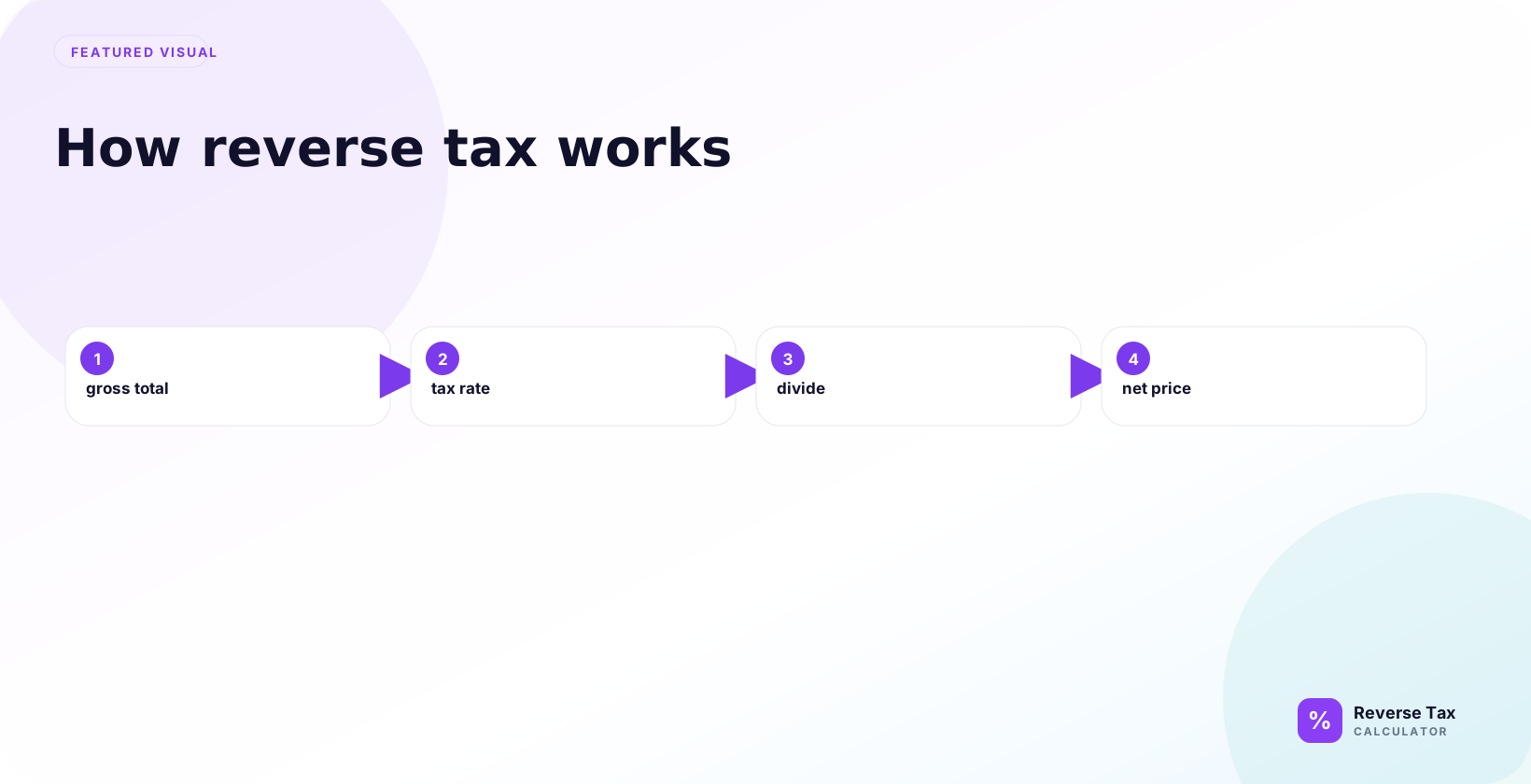
Reverse tax works because a tax-inclusive total equals the before-tax price multiplied by 1 plus the tax rate. Dividing the total by that multiplier reverses the original tax addition and recovers the net price, then subtraction reveals the tax amount included. The calculation depends on the correct rate, taxable base, and receipt structure; multiple tax rates, exempt items, and discounts require grouped calculations. Rounding explains small receipt differences.
This page explains the mechanism, formula, examples, common mistakes, spreadsheet setup, receipt checks, and limits of reverse tax. The core idea is simple, but the calculation becomes unreliable when the total includes mixed tax rates, exempt items, tips, shipping, or the wrong rate.
What Does Reverse Tax Do?
Reverse tax separates a tax-inclusive total into two parts: the before-tax amount and the tax amount. If a total is $108.00 including 8% tax, reverse tax finds the $100.00 before-tax price and the $8.00 included tax.
The calculation is useful when a receipt, invoice, refund, or export gives the final total but you need to know the base amount for checking, bookkeeping, or reconciliation.
How Does the Reverse Tax Formula Work?
The reverse tax formula is:
Pre-tax amount = Total including tax / (1 + Tax rate)
The tax amount is:
Tax amount = Total including tax - Pre-tax amount
If the total is $108.00 and the rate is 8%, divide by 1.08. The pre-tax amount is $100.00, and the tax amount is $8.00.
The formula has two jobs. The division finds the original base, and the subtraction finds the tax portion already inside the total. Keeping those jobs separate makes the result easier to explain, audit, and compare with a receipt or invoice.
Why Do You Divide Instead of Subtract?
You divide because the tax rate was applied to the pre-tax amount first. The tax-inclusive total is the pre-tax amount multiplied by 1 plus the rate.
Subtracting 8% from $108.00 removes 8% of the wrong number. It gives $99.36 instead of $100.00. The divide vs subtract guide explains this mistake in detail.
This is the most important concept for users to understand. Reverse tax is not a discount calculation. The tax is a percentage of the before-tax price, so the after-tax total must be divided by the full multiplier that created it.
What Is the Calculation Sequence?
Reverse tax follows a specific sequence. First, confirm the amount includes tax. Second, identify the correct tax rate. Third, divide the tax-inclusive total by 1 plus the rate. Fourth, subtract the pre-tax amount from the total to find the tax.
Changing the sequence can create errors. For example, cleaning tips, discounts, shipping, or exempt items should happen before the formula is applied, not after.
Reverse Tax Worked Example
Assume a receipt total is $216.00 and the tax rate is 8%.
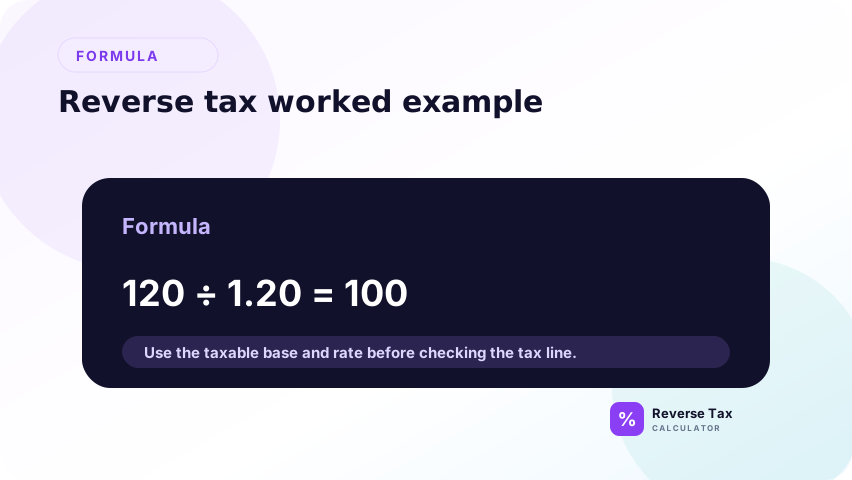
Pre-tax amount = 216 / 1.08 = 200
Tax amount = 216 - 200 = 16
The rebuilt total is $200.00 plus $16.00, which equals $216.00. That rebuilt-total check confirms the formula and inputs are consistent.
This example also shows why the tax amount is not calculated first. The safest process is to calculate the base, then derive the tax amount from the difference. That sequence avoids rounding errors caused by trying to estimate the tax amount directly from the final total.
How Does Reverse Tax Work with a Known Tax Amount?
If the tax amount is already shown, use it as direct evidence. You do not need to reconstruct it from the rate.
Example: a receipt total is $108.00 and tax shown is $8.00. The pre-tax amount is $100.00 because $108.00 minus $8.00 equals $100.00. The shown tax amount is stronger evidence than a guessed rate.
This rule matters for invoices and POS receipts because shown tax amounts already reflect the seller's rounding method. If you reconstruct the amount from a rate, your result may differ by a cent even when the receipt is correct.
How Does Reverse Tax Work with Multiple Rates?
Reverse tax works with multiple rates only when each taxable group is separated. If a receipt has food at one rate, general merchandise at another rate, and exempt items, one formula for the whole receipt will not describe the transaction.
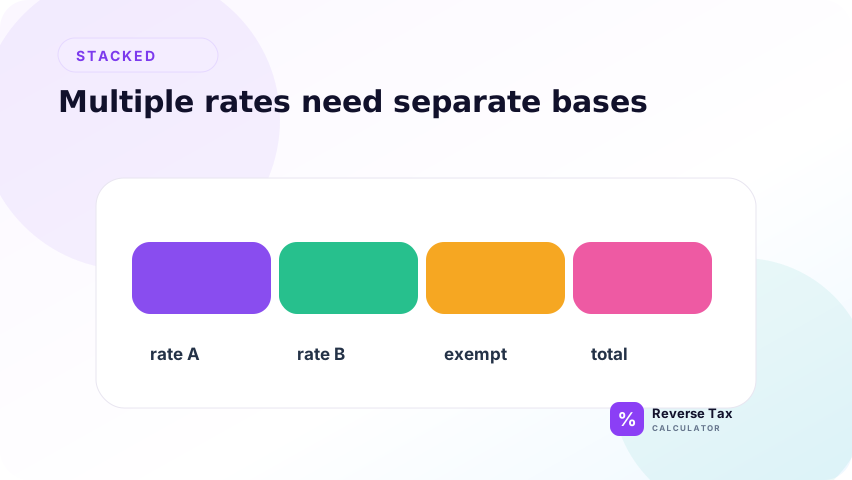
The safe method is to split the receipt by tax group, reverse each group separately, then add the pre-tax amounts and tax amounts back together. The guide on mixed taxable and exempt items explains this workflow.
How Does Reverse Tax Work with GST, HST, PST, QST, and VAT?
The arithmetic is similar across percentage-based consumption taxes, but the rate and tax structure can differ. GST may be reversed from a GST-inclusive total, HST uses a harmonized rate, QST often works with GST, and VAT depends on the country and VAT category.
Do not copy a rate from one tax system into another. Use the page that owns the tax entity, such as HST, QST, or VAT, when the tax label changes.
How Does Reverse Tax Work in Spreadsheets?
A spreadsheet should separate the source total, rate, pre-tax amount, tax amount, and rebuilt total. If the total is in A2 and the rate is in B2, use:
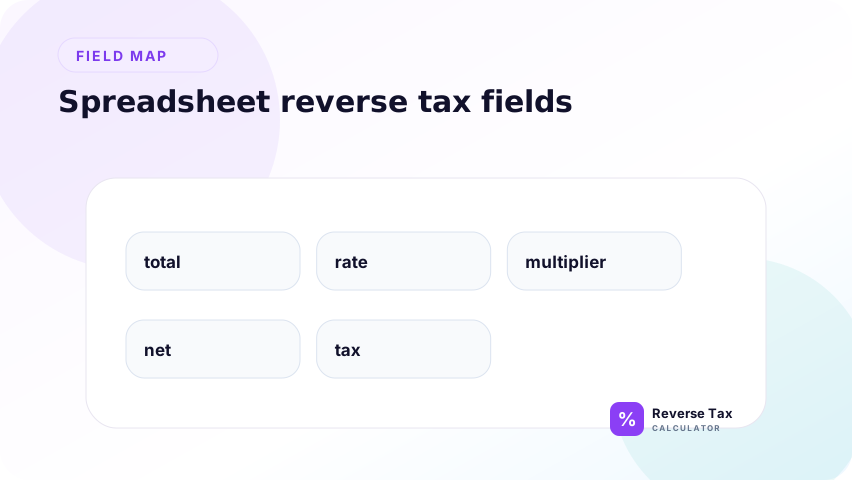
=A2/(1+B2)
Tax amount:
=A2-(A2/(1+B2))
Rebuilt total:
=PreTaxAmount+TaxAmount
The rebuilt total catches rows where the source total, rate, or tax base is wrong.
For large exports, add a variance column that subtracts the rebuilt total from the original total. Filter rows where the variance is more than one cent. Those rows usually need source cleanup before they can be trusted for bookkeeping or reporting.
What Information Do You Need Before Calculating?
You need a tax-inclusive total, a rate or shown tax amount, and enough context to know what the total includes. Context can include receipt labels, invoice lines, transaction date, location, product category, and whether the total includes tips, deposits, shipping, or discounts.
If the rate is missing but subtotal and total are known, you may be able to calculate an implied rate. If neither rate nor tax amount is known, reverse tax cannot reliably find the pre-tax price.
What Mistakes Break Reverse Tax?
The main mistakes are subtracting the percentage, using the wrong rate, using a state rate instead of a combined local rate, applying one rate to mixed items, and reversing a total that does not actually include tax.
Another mistake is using payment totals from processors or marketplaces. Those totals may include fees, refunds, chargebacks, or payouts, so they may not be clean tax-inclusive sale totals.
Which Number Should Be Entered First?
The number entered first should be the tax-inclusive total that actually contains the tax you want to remove. On a receipt, that may be the final taxable total, not the card charge, payout amount, refund total, or order settlement amount. If a tip, fee, shipping charge, discount, or exempt item is included but taxed differently, the total needs to be cleaned before the reverse formula is used.
For a simple receipt, the entered number is usually the line or order total after tax. For an invoice, it may be the gross amount for one taxable group. For a marketplace report, it is normally the gross sale before platform fees, payment fees, reserves, and payouts. Reverse tax works only when the entered total and rate describe the same taxable base.
How Do You Know the Formula Used the Right Base?
The right base is confirmed by the rebuild check. After the calculator finds the before-tax amount and included tax, those two numbers should add back to the same tax-inclusive total. If they do not, the problem is usually not the division formula. It is usually the source total, tax rate, rounding rule, or item grouping.
A clean base has four matching parts: the taxable item amount, the tax rate, the calculated tax amount, and the rebuilt total. If one part belongs to a different group, the formula can produce a mathematically valid answer that does not match the receipt. This is why reverse tax is a base-matching problem as much as a percentage calculation.
How Does Reverse Tax Work for Refunds and Credits?
For refunds, reverse tax works only when the refunded amount includes the same tax that was charged on the original taxable amount. If a store refunds a full tax-inclusive purchase, divide the refund total by the same tax multiplier to estimate the pre-tax refund and tax portion. If the refund excludes tax, includes a restocking fee, or applies to only some items, the calculation needs item-level handling.
Credits and adjustments are more fragile than ordinary receipts because they can include partial refunds, loyalty discounts, shipping refunds, tax corrections, and manual adjustments. The safe method is to identify the original taxable base, match the refunded items to that base, then reverse the tax on only the portion that includes tax.
How Does Reverse Tax Work for Business Records?
For business records, reverse tax separates collected tax from revenue. A tax-inclusive sale total should not be treated entirely as sales income when part of the amount belongs to tax collected for a government authority. The reverse calculation identifies the net sale and the tax liability portion when the receipt or export gives only a gross total.
This matters for bookkeeping, reconciliation, and marketplace reporting. The same sale may appear as a customer receipt, order export, payment payout, and bank deposit. Reverse tax should be applied to the sale amount, then reconciled against payments and fees separately. Mixing those layers is one of the fastest ways to make revenue and tax reports disagree.
When Should You Not Use Reverse Tax?
Do not use reverse tax when the total does not already include tax. If a checkout screen shows a subtotal and says tax will be added later, that is a forward tax calculation, not a reverse tax calculation. In that case, multiply the pre-tax amount by the rate instead of dividing the final total by a multiplier.
Do not use one reverse tax rate for a total that combines several tax treatments. A restaurant bill with a taxable meal, an optional tip, and a delivery fee may need three separate checks. A retail receipt with exempt groceries and taxable goods may need item groups. A marketplace order with seller fees removed should be traced back to the original customer order before the formula is used.
Do not treat reverse tax as a legal rate decision. The formula can separate tax from a total, but it cannot decide whether an item should have been taxable, which jurisdiction rate applies, or whether a seller should collect tax. Those questions need official rates, transaction context, and sometimes accounting review.
How Do You Check the Result?
Check the result by rebuilding the total. Add the calculated pre-tax amount and calculated tax amount together. The result should match the original total, allowing for rounding.
If the rebuilt total differs by a cent, review rounding. If it differs by more than a cent, review the rate, source total, item mix, and whether the receipt used more than one tax group.
What This Page Does Not Calculate
This page explains how reverse tax works as a formula. It does not calculate income tax, payroll withholding, tax refunds, tax credits, item taxability, filing obligations, or whether a business should collect tax.
Those are different tax questions. Reverse tax can support a receipt or invoice calculation, but it cannot replace official tax guidance or accounting review.
This scope boundary prevents cannibalization with other pages in the cluster. Formula pages should explain the math, while receipt, bookkeeping, rate, and jurisdiction pages should own the deeper operational or legal questions.
Trust Boundary
Reverse tax is arithmetic. It does not prove that the rate was correct, that the item was taxable, that the tax should have been charged, or that the result is suitable for filing.
Use original receipts, invoices, official tax authority sources, and accounting records for compliance-sensitive decisions.
The result is only as reliable as the inputs. If the total is not tax-inclusive, the rate is outdated, or the receipt contains mixed taxable groups, the formula can still return a number, but that number should not be treated as verified.
Frequently Asked Questions
How does reverse tax work in one sentence?
Reverse tax divides a tax-inclusive total by 1 plus the tax rate to recover the before-tax amount, then subtracts the before-tax amount from the total to find the included tax.
Can reverse tax work without the tax rate?
It can work without the rate only if the tax amount is shown separately. If neither the rate nor tax amount is known, the pre-tax amount cannot be reliably calculated from the total alone.
Why does my reverse tax result differ by one cent?
One-cent differences usually come from rounding. Receipts may round by line item, tax group, or invoice total. Rebuild the total and compare the variance before assuming the formula is wrong.
Sources and Notes
- IRS Publication 583 recordkeeping guidance
- Formula source: arithmetic relationship between tax-inclusive total, tax rate, pre-tax amount, and tax amount.