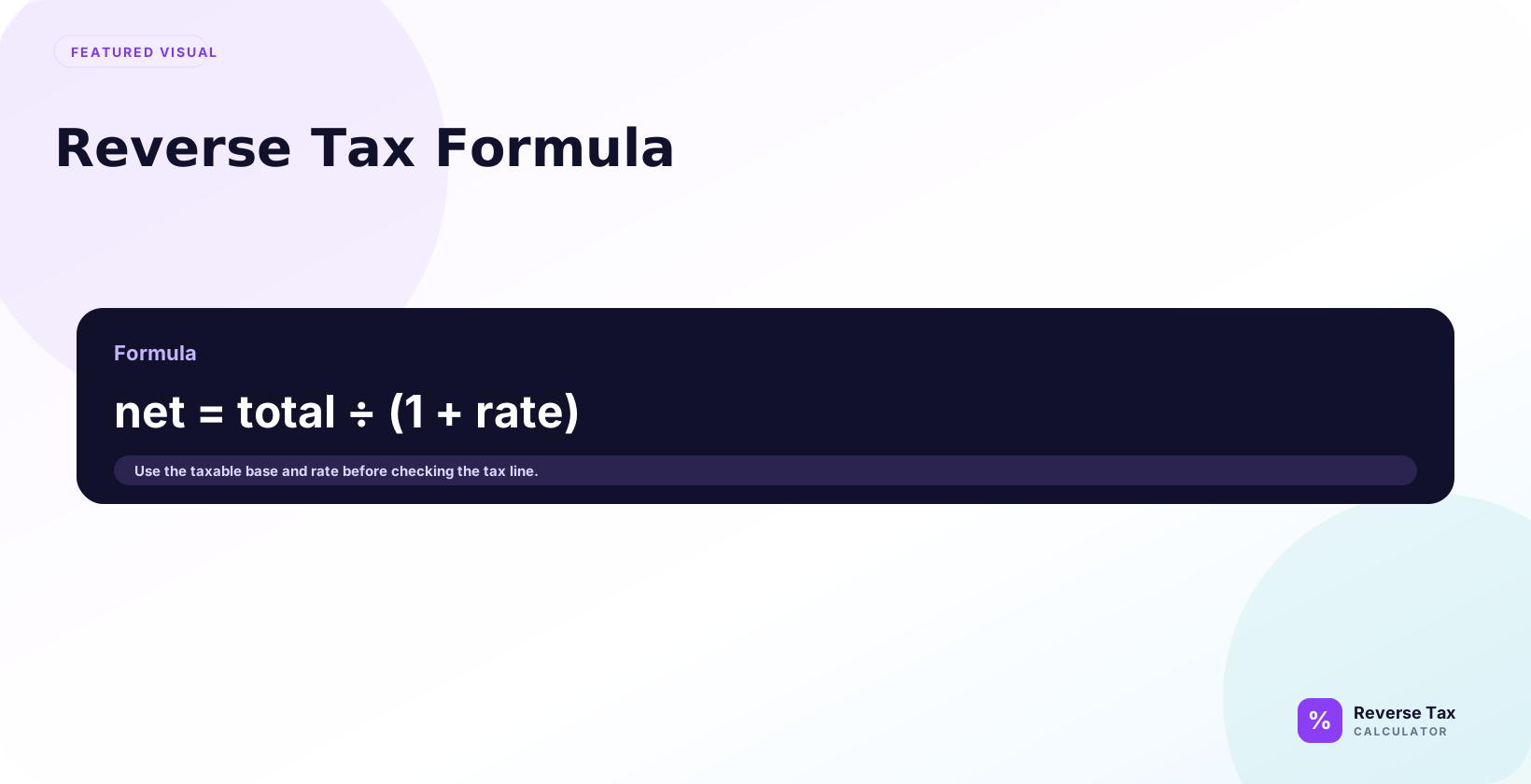
Reverse Tax Formula separates a tax-inclusive total into the tax rate, before-tax price, and tax amount included in the total by reversing the percentage multiplier. Removing tax from a gross amount depends on multiplier formula, tax base, rate source, receipt label, taxable versus exempt treatment, rounding, and mixed-rate lines. Reverse tax gives a clean answer only when the total, rate, and taxable base describe the same transaction.
Pre-tax price equals tax-inclusive total divided by 1 plus tax rate divided by 100.
After you find the pre-tax price, the included tax equals the tax-inclusive total minus the pre-tax price.
What Is the Reverse Tax Formula?
The reverse tax formula finds the pre-tax amount inside a tax-inclusive total. The basic formula is pre-tax amount equals total divided by 1 plus the tax rate. It answers searches like "remove tax from total", "calculate price before tax", and "find included tax." The formula is simple, but it only works cleanly when the total is a taxable amount at a known rate.
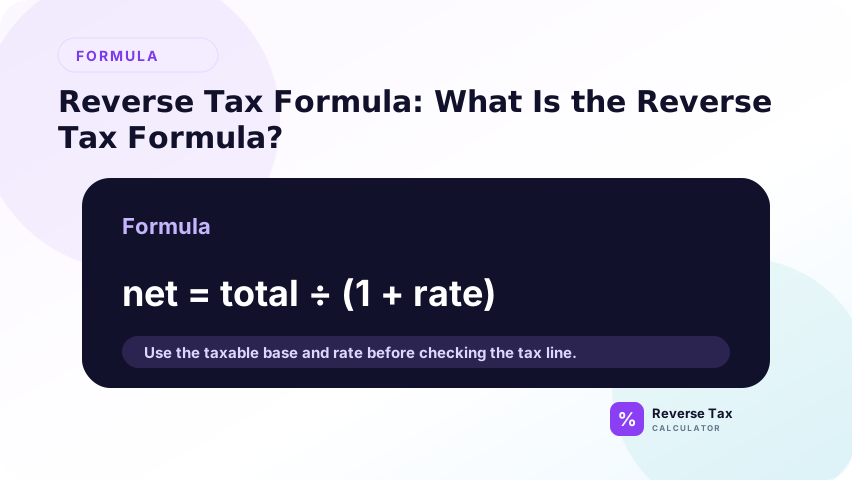
The reverse tax formula works backward from a final amount that already includes tax.
The formula is:
Pre-tax price = Tax-inclusive total / (1 + Tax rate / 100)
Then:
Included tax = Tax-inclusive total - Pre-tax price
This formula applies to simple percentage-based tax where one known rate applies to the whole tax-inclusive amount.
How the Reverse Tax Formula Works
The formula works because a tax-inclusive total is the original price multiplied by a tax multiplier. At 8%, the multiplier is 1.08. At 20%, it is 1.20. Dividing by the multiplier reverses the forward tax calculation. After the pre-tax amount is found, included tax is the total minus the pre-tax amount.
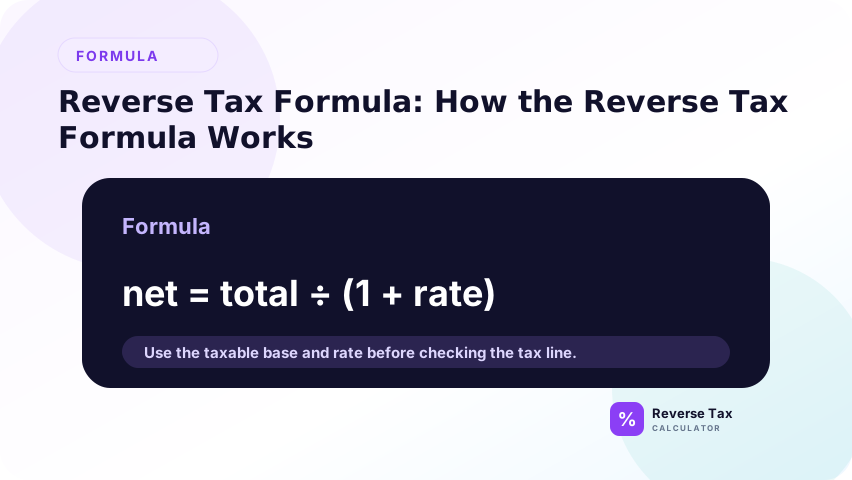
The formula works by reversing the tax multiplier.
When tax is added normally, the pre-tax price is multiplied by a tax multiplier. If the tax rate is 10 percent, the multiplier is 1.10. If the tax rate is 20 percent, the multiplier is 1.20.
Reverse tax divides by that multiplier.
Why the Formula Starts with the Total
The formula starts with the tax-inclusive total because that is the known number.
The user usually has a receipt total, invoice total, gross price, or tax-inclusive price.
Why the Formula Uses the Rate
The rate tells the formula how much tax was added relative to the pre-tax price.
Without the rate, the formula cannot split the total into base price and tax amount.
Why the Formula Produces the Pre-Tax Price First
The pre-tax price is the base of the calculation.
Once the base is known, the tax amount can be found by subtracting the base from the total.
Reverse Tax Formula for Pre-Tax Price
Use the pre-tax price formula when you know the total and the tax rate. Divide the total by 1 plus the decimal rate. This produces the amount before tax was included. It is the right formula for gross receipts, tax-inclusive receipts, VAT-inclusive prices, GST-inclusive prices, and any clean total where tax is already inside the price.
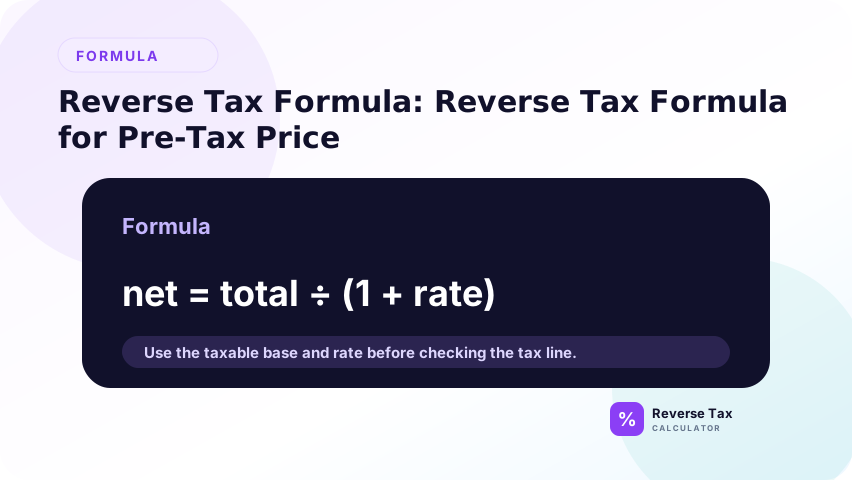
Use this formula when you need the price before tax:
Pre-tax price = Total / (1 + Rate / 100)
Example with a 120.00 total and 20 percent tax:
Pre-tax price = 120 / (1 + 20 / 100)
Pre-tax price = 120 / 1.20
Pre-tax price = 100
The pre-tax price is 100.00.
Reverse Tax Formula for Included Tax
Use the included-tax formula after you find the pre-tax price. Included tax equals total minus pre-tax price. You can also calculate the tax share directly with total multiplied by rate divided by 1 plus rate. The subtraction method is often easier to audit because pre-tax amount and included tax should add back to the original total.
Use this formula after the pre-tax price is known:
Included tax = Total - Pre-tax price
Using the same example:
Included tax = 120 - 100
Included tax = 20
The included tax is 20.00.
Formula Symbols Explained
| Symbol or term | Meaning |
|---|---|
| Total | Final amount that includes tax |
| Rate | Tax rate as a percentage |
| Rate / 100 | Tax rate converted to decimal form |
| 1 + Rate / 100 | Tax multiplier |
| Pre-tax price | Amount before tax |
| Included tax | Tax amount inside the total |
This table is useful because many formula mistakes come from mixing percentage and decimal forms.
Reverse Sales Tax Formula
The reverse sales tax formula is the same as the general reverse tax formula when one sales tax rate applies.
Price before sales tax = Total after sales tax / (1 + Sales tax rate / 100)
Sales tax included = Total after sales tax - Price before sales tax
The phrase reverse sales tax formula is narrower because it refers to sales tax. Reverse tax formula is broader and can describe sales tax, VAT, GST, HST, PST, QST, and similar percentage-based taxes.
How to Use the Formula With Percentage and Decimal Rates
The formula can use percentage or decimal rates, but the spreadsheet must handle them correctly. An 8% rate is 0.08 as a decimal. If you type 8 where the formula expects 0.08, the divisor becomes 9 instead of 1.08. Good templates label rate format clearly and use validation to prevent percentage-decimal confusion.
The formula can use a percentage rate or a decimal rate, but you must not mix the two formats.
If the rate is written as 8 percent, divide it by 100 inside the formula. If the rate is already written as 0.08, do not divide it by 100 again.
Percentage Rate Version
Use this version when the rate is written as a percentage:
Pre-tax price = Total / (1 + Rate / 100)
Example:
216 / (1 + 8 / 100) = 200
Decimal Rate Version
Use this version when the rate is already a decimal:
Pre-tax price = Total / (1 + Decimal rate)
Example:
216 / (1 + 0.08) = 200
Percentage vs Decimal Decision Table
| Rate format | Example | Formula input |
|---|---|---|
| Percentage | 8 percent | 8 / 100 |
| Decimal | 0.08 | 0.08 |
| Multiplier | 1.08 | Divide total by 1.08 |
This distinction matters in spreadsheets because a cell formatted as 8 percent may already behave like 0.08.
Why the Formula Divides Instead of Subtracts
The formula divides because tax was originally added through multiplication.
If a 10 percent tax is added to 100.00, the total is 110.00. The multiplier is 1.10.
To reverse the calculation, divide 110.00 by 1.10. The result is 100.00.
Subtracting 10 percent from 110.00 gives 99.00, which is wrong because it treats the final total as the tax base.
| Method | Result from 110.00 at 10 percent |
|---|---|
| Divide by 1.10 | 100.00 |
| Subtract 10 percent of 110.00 | 99.00 |
For a deeper explanation, see Why Subtracting the Tax Percentage Is Wrong.
Worked Formula Example
Suppose the tax-inclusive total is 216.00 and the tax rate is 8 percent.
Step 1: Convert 8 percent to a multiplier.
1 + 8 / 100 = 1.08
Step 2: Divide the total by the multiplier.
216 / 1.08 = 200
Step 3: Subtract the pre-tax price from the total.
216 - 200 = 16
| Component | Amount |
|---|---|
| Tax-inclusive total | 216.00 |
| Tax rate | 8 percent |
| Multiplier | 1.08 |
| Pre-tax price | 200.00 |
| Included tax | 16.00 |
How to Check the Formula Result
You can check a reverse tax formula result by calculating forward.
Start with the pre-tax price, multiply it by the tax multiplier, and confirm that it returns to the original total.
Using the 216.00 example:
| Check step | Calculation | Result |
|---|---|---|
| Start with pre-tax price | 200.00 | 200.00 |
| Apply 8 percent multiplier | 200 x 1.08 | 216.00 |
| Compare with original total | 216.00 vs 216.00 | Match |
If the forward check does not return to the original total, check the rate, decimal conversion, rounding, or whether the total includes multiple tax treatments.
How the Formula Changes by Goal
The formula changes by goal because "reverse tax" can mean several related tasks. If you need pre-tax price, divide total by 1 plus rate. If you need included tax, subtract pre-tax price from total. If you know tax amount and need original price, divide tax amount by rate. If you need implied rate, divide tax by base.
The reverse tax formula changes depending on what you already know.
This page focuses on finding the pre-tax price from total and rate. Other goals need different formulas.
If You Need the Included Tax Amount
First find the pre-tax price. Then subtract it from the total.
This is the safest sequence because the tax amount depends on the pre-tax base.
If You Need the Original Price from the Tax Amount
If you know only the tax amount and tax rate, the calculation changes.
That task belongs to How to Find the Original Price from the Tax Amount.
If You Need the Tax Rate
If you know the total and subtotal, you can infer the rate.
That task belongs to How to Find the Tax Rate from Total and Subtotal.
Formula Decision Matrix
| What you know | What you want | Formula or next step |
|---|---|---|
| Total and rate | Pre-tax price | Total / (1 + rate / 100) |
| Total and pre-tax price | Tax amount | Total - pre-tax price |
| Pre-tax price and total | Implied rate | Use tax rate formula |
| Pre-tax price and rate | Final total | Use forward tax formula |
| Multiple rates | Base and tax split | Use multiple-tax formula |
Common Formula Mistakes
Common formula mistakes include using the percentage number instead of the decimal rate, subtracting the rate from the total, using the wrong jurisdiction rate, ignoring rounding, and using one rate for mixed items. Most mistakes are input mistakes, not algebra mistakes. Confirm total, rate, taxability, and rounding before trusting the output.
The safest way to avoid formula mistakes is to label the goal first. If the goal is pre-tax price, divide by 1 plus rate. If the goal is included tax, subtract pre-tax price from total. If the goal is original price from tax amount, divide tax amount by rate. If the goal is implied rate, divide tax by base. Different goals need different formulas.
Using the Percentage Instead of the Decimal
Do not divide by 1 plus 20 when the rate is 20 percent.
The formula uses 20 / 100, which becomes 0.20. The multiplier is 1.20, not 21.
Subtracting the Rate from the Total
Do not subtract the tax percentage from the total. That uses the wrong base.
Using the Wrong Rate
The formula can be mathematically correct but still produce the wrong real-world answer if the rate is wrong.
Ignoring Rounding
Receipts may round tax by line item or by total. This can create small differences.
Using One Rate for Mixed Items
If a total includes taxable and exempt items, one formula may not fit the whole total.
Formula Use Cases
The reverse tax formula appears in several practical tasks.
| Use case | Formula role | Better follow-up page |
|---|---|---|
| Receipt check | Split total into base and tax | Receipt example |
| Invoice verification | Confirm tax-inclusive invoice math | Invoice example |
| Bookkeeping | Separate gross amount into revenue and tax | Tax reconciliation |
| VAT or GST included price | Recover price before tax | Consumption tax guide |
| Spreadsheet calculation | Apply same formula to rows | Excel or Google Sheets guide |
The formula is the same mathematical relationship, but the surrounding workflow changes by context.
When the Basic Formula Is Not Enough
The basic formula is not enough when the total contains multiple tax rates, exempt items, stacked taxes, discounts, tips, shipping, refunds, or fees. In those cases, separate the total into clean groups first. Apply the formula to each taxable group, then reconcile the grouped results back to the original receipt or invoice total.
The basic formula assumes one rate applies to one total.
If that assumption is false, the result can be incomplete.
Multiple Taxes
Multiple taxes may be additive or stacked. The order changes the reverse calculation.
Exempt Items
Exempt items should not be reversed as if they were taxed.
Discounts Before Tax
Discounts can change the taxable base. If the discount applies before tax, the base is lower.
Rounding Rules
Rounding can change the displayed tax by one cent or more across many line items.
> Accuracy note: this formula explains arithmetic. Tax rates, exemptions, and taxability depend on jurisdiction and transaction details. For calculation standards, see the methodology.
What This Page Does Not Cover
| Topic | Better page |
|---|---|
| Step-by-step guide | How to Calculate Tax Backwards |
| Algebra proof | Why the Reverse Tax Formula Works |
| Rounding rules | How to Round Reverse Tax Calculations |
| Multiple taxes | Reverse Formula for Multiple and Stacked Taxes |
| Worked examples | Reverse Tax Calculation Worked Examples |
Frequently Asked Questions
What is the formula to reverse tax?
The formula is pre-tax price = total / (1 + rate / 100).
What is the reverse sales tax formula?
The reverse sales tax formula is price before sales tax = total after sales tax / (1 + sales tax rate / 100).
Why does reverse tax divide by 1 plus the rate?
Because the total was created by multiplying the pre-tax price by 1 plus the rate. Division reverses multiplication.
Can I use the formula for VAT or GST?
Yes, when the VAT or GST is a simple percentage included in the total and the correct rate is known.
Why does my formula result differ by one cent?
Rounding can cause small differences, especially when receipts round per item or per line.